
Kuberan Payroll Overview
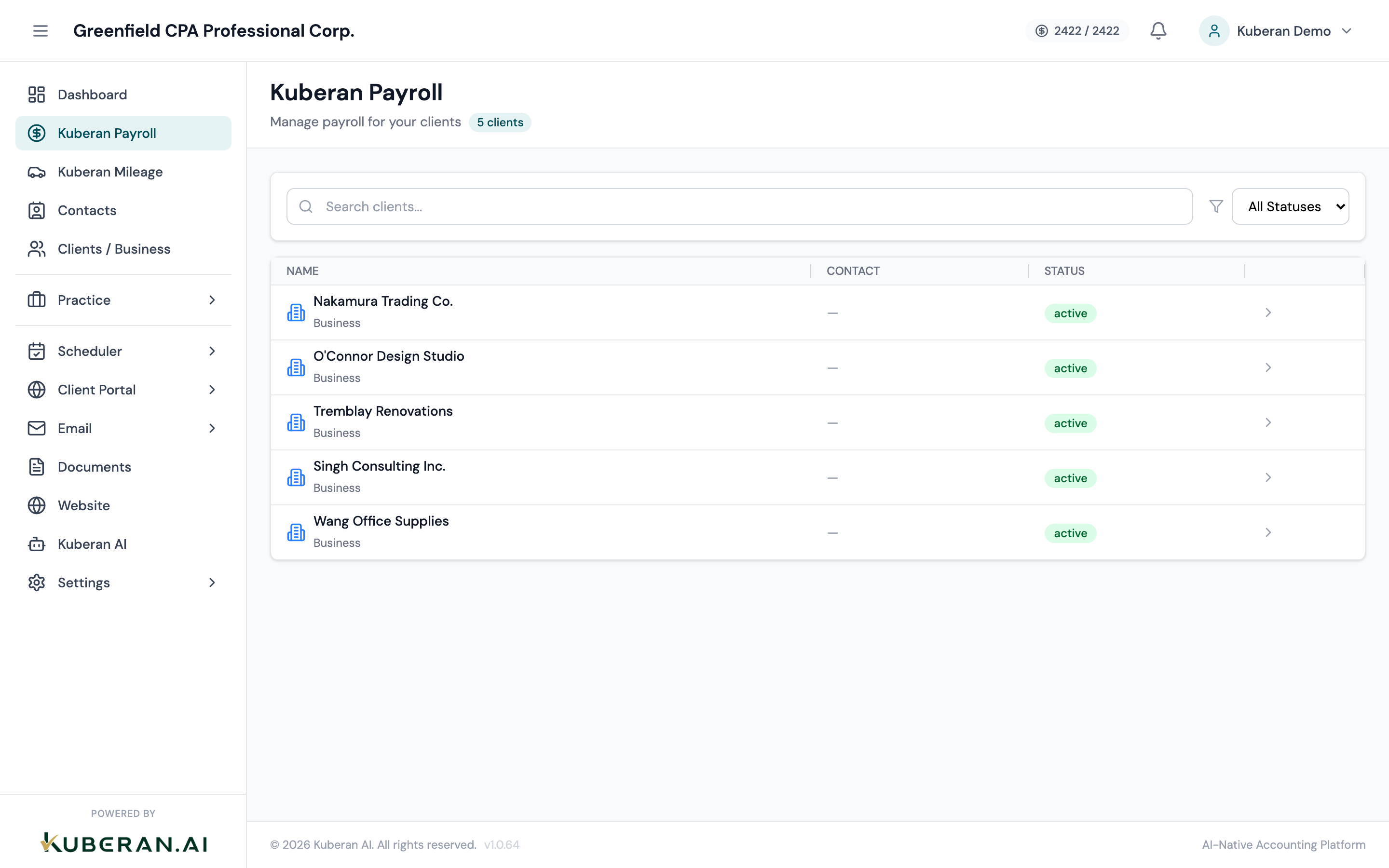
Kuberan Payroll is a full-service Canadian payroll module embedded within the same platform as your client’s bookkeeping, tax, and practice management. Every pay run automatically generates the correct CPP, EI, and income tax deductions and posts payroll journal entries to the client’s Books ledger — no double-entry between systems.
Canadian employer payroll obligations
As an employer in Canada, your client is required to:
- Deduct Canada Pension Plan (CPP) contributions from each employee’s pay, and match that contribution dollar-for-dollar as the employer.
- Deduct Employment Insurance (EI) premiums from each employee’s insurable earnings, and remit 1.4 times the employee’s premium as the employer’s share.
- Deduct federal and provincial income tax based on each employee’s TD1 claim amounts, pay frequency, and gross earnings.
- Remit all deductions plus the employer’s share to CRA by the remittance due date — typically the 15th of the month following payment.
- Issue T4 slips to all employees by the last day of February following the tax year.
- File the T4 Summary (T4SUM) with CRA by the last day of February.
Kuberan Payroll handles items 1 through 3 automatically using CRA’s current tables. You are responsible for reviewing the calculations, processing remittances (items 4 and 6), and distributing T4 slips (item 5).
What Kuberan calculates automatically
When you run a pay run, Kuberan calculates the following for each employee with no manual lookup required:
- CPP deductions — based on pensionable earnings, the annual CPP rate, and the employee’s year-to-date CPP contributions (stops deducting once the annual maximum is reached)
- EI deductions — based on insurable earnings and the annual EI rate (stops deducting once the annual maximum is reached)
- Federal income tax — using CRA Payroll Deductions tables for the applicable pay frequency
- Provincial income tax — using the correct provincial tax table for the employee’s province of employment
- Employer CPP contribution — matched to the employee’s CPP deduction
- Employer EI premium — 1.4x the employee’s EI deduction
Kuberan updates its tax tables each January when CRA releases new rates, so you do not need to manually adjust rates for the new tax year.
What you configure
Kuberan calculates correctly when the setup data is accurate. You are responsible for entering and maintaining:
- TD1 claim codes — the total personal amounts from each employee’s federal and provincial TD1 forms
- Pay type and rate — salary (annual amount), hourly (rate + default hours), or commission
- Pay frequency — weekly, bi-weekly, semi-monthly, or monthly (each frequency has a different tax table)
- Province of employment — determines which provincial tax table applies; usually the province where the employee reports to work
- Additional voluntary deductions — group benefits, RRSP contributions, union dues, garnishments
- Year-to-date earnings — required when onboarding an employee mid-year, so CPP and EI maximums are tracked correctly
Pay schedules
Kuberan supports four standard Canadian pay frequencies:
| Schedule | Pays per year | Notes |
|---|---|---|
| Weekly | 52 | Common in construction, hourly trades |
| Bi-weekly | 26 | Most common; two weeks of earnings per pay |
| Semi-monthly | 24 | Paid on fixed dates (e.g., 15th and last day) |
| Monthly | 12 | Common for management and salaried staff |
The pay frequency affects both the tax calculation and the remittance schedule. Set the frequency during payroll setup and do not change it mid-year without recalculating year-to-date withholdings.
Provincial variations
All provinces use federal CPP and EI rates, but provincial income tax rates and surtaxes vary significantly. Key notes for Canadian CPAs:
- Quebec — does not participate in federal CPP; employees contribute to QPP (Quebec Pension Plan) instead. Quebec also has a separate provincial EI premium rate. Kuberan handles QPP and Quebec-specific rules for Quebec-province employees automatically.
- Ontario — has a provincial surtax that kicks in at higher income levels; Kuberan applies this automatically.
- British Columbia, Manitoba, Ontario — have employer health tax (EHT/PSHIB) obligations above certain payroll thresholds; these are tracked separately in the CRA Remittances module.
How Payroll connects to Books
When a pay run is approved, Kuberan automatically posts journal entries to the client’s Books ledger:
| Account | Debit | Credit |
|---|---|---|
| Wages Expense | Gross wages | |
| CPP Expense | Employer CPP | |
| EI Expense | Employer EI | |
| CPP Payable | Employee + employer CPP | |
| EI Payable | Employee + employer EI | |
| Income Tax Payable | Employee income tax | |
| Chequing Account | Net pay to employees |
These entries ensure the Books balance sheet always reflects the correct payroll liabilities and that the P&L captures the full cost of employment, not just net pay.
Where to go next
- Set up payroll — configure CRA business number, province, and pay schedule
- Add employees — enter personal info, TD1 claims, and pay details
- Run a pay run — process payroll and approve direct deposits
- CRA remittances — track and record payments to CRA
- Year-end T4s — generate, review, and file T4 slips