
Settings — Tax Profiles
Overview
Tax Profiles define the GST/HST (and QST for Quebec) configurations used on your practice’s invoices and in the Books module for client transactions. Each tax profile specifies the tax name, rate, registration number, and filing frequency. You can create multiple profiles — for example, a 5% GST profile for clients in Alberta, a 13% HST profile for Ontario clients, and a 15% HST profile for New Brunswick clients. Tax profiles created here are available as options when setting up a client’s Books file and when creating invoices.
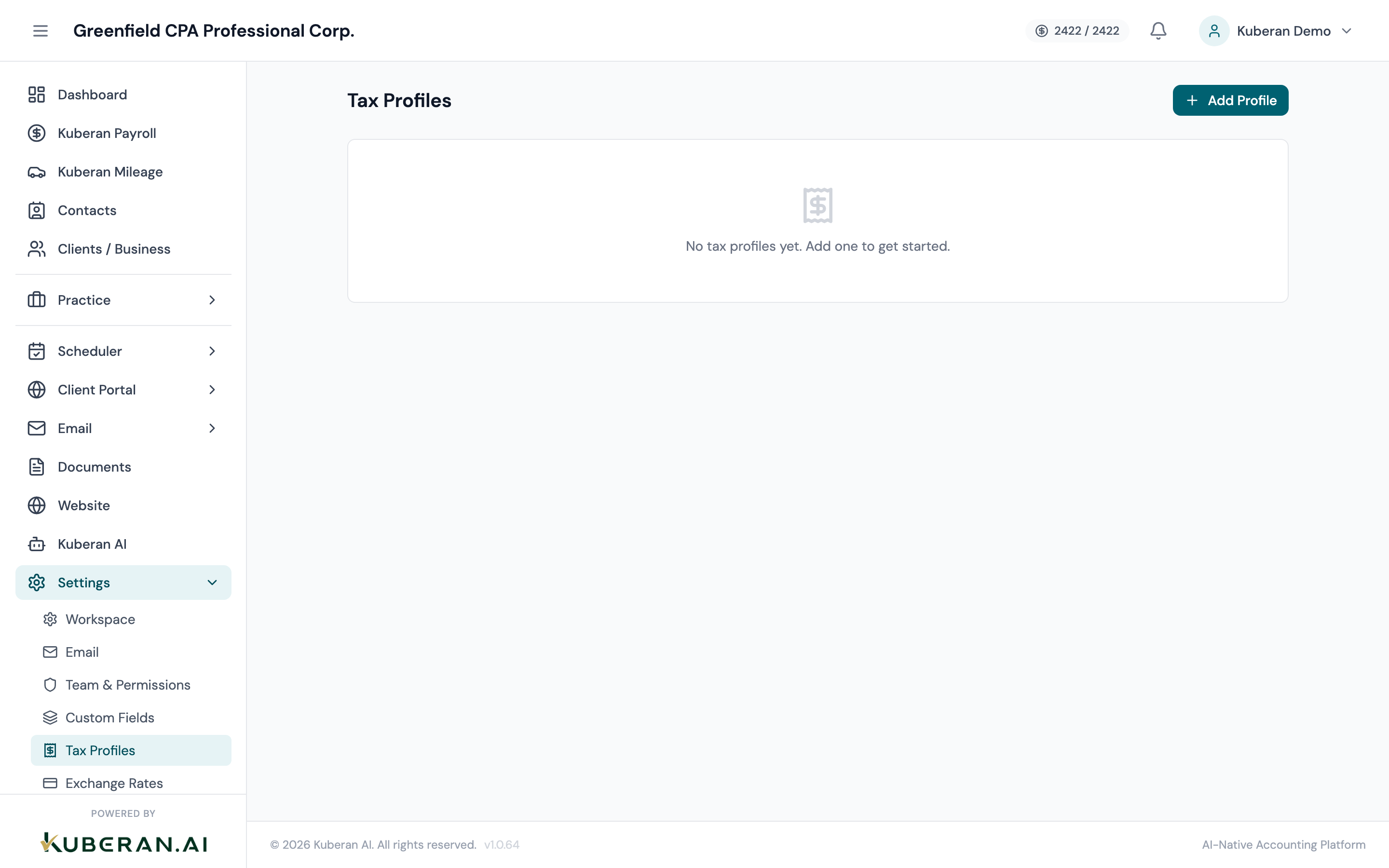
- (1) Add Tax Profile button
- (2) Profile name (e.g., HST Ontario)
- (3) Province and applicable rate
- (4) Registration number (masked)
- (5) Filing frequency and Edit action
Canadian Tax Rates Reference
| Province/Territory | Tax Name | Rate |
|---|---|---|
| Alberta | GST | 5% |
| British Columbia | GST + PST | 5% + 7% (PST tracked separately) |
| Manitoba | GST + RST | 5% + 7% (RST tracked separately) |
| New Brunswick | HST | 15% |
| Newfoundland & Labrador | HST | 15% |
| Northwest Territories | GST | 5% |
| Nova Scotia | HST | 15% |
| Nunavut | GST | 5% |
| Ontario | HST | 13% |
| Prince Edward Island | HST | 15% |
| Quebec | GST + QST | 5% + 9.975% |
| Saskatchewan | GST + PST | 5% + 6% (PST tracked separately) |
| Yukon | GST | 5% |
Actions
Add a Tax Profile
- Click Add Tax Profile.
- Enter a profile name that clearly identifies it (e.g., “HST — Ontario 13%,” “GST — Alberta 5%”).
- Select the province or territory this profile applies to.
- The tax type (GST, HST, QST) and rate are pre-filled based on the province. Adjust if needed.
- Enter the CRA GST/HST registration number (format: 123456789 RT 0001). This number appears on invoices using this tax profile.
- Select the filing frequency: Annual (eligible small businesses under the $30M threshold who opt for annual), Quarterly, or Monthly. The CRA assigns your filing frequency based on your taxable revenues.
- Click Save Profile.
Edit a Tax Profile
Click the Edit icon on any profile row. All fields are editable. Changes apply to future invoices only — existing invoices retain the tax settings that were in effect when they were created.
Delete a Tax Profile
Click the Delete icon. Profiles that are currently assigned to a client’s Books file or used on an existing invoice cannot be deleted. Remove the profile from all active assignments before deleting.
UI Elements
A descriptive internal name for the profile. Not shown to clients on invoices — only the tax name and rate appear there.
The province to which this profile applies. Selecting a province pre-fills the tax type and rate based on current CRA rates.
The percentage rate. Pre-filled from the province selection but editable in case of a future rate change. For combined HST rates, enter the combined rate (e.g., 15 for 15% HST in Nova Scotia, not 5+10 separately).
The CRA GST/HST registration number (RT) or Revenu Québec QST registration number for Quebec. Stored encrypted; displayed masked as ••••••••• RT 0001 in the list. Required for the number to appear on CRA-compliant invoices.
Annual: One GST/HST return per year, due 3 months after fiscal year end (or June 15 for sole proprietors). Quarterly: Returns due April 30, July 31, October 31, and January 31. Monthly: Returns due by the end of the following month. The CRA may change your assigned frequency as your revenues grow.
Using Tax Profiles
Tax profiles are applied in two contexts:
On invoices: When creating an invoice, select a tax profile in the invoice settings to automatically add the appropriate tax line to each taxable item.
In client Books files: When setting up a client’s Books file, assign their tax profile to determine which tax rates are used when recording sales transactions and filing GST/HST returns through the Books module.
Tips
- One profile per province is usually sufficient. Most CPA practices serve clients in one or two provinces. If you have clients across many provinces, create one profile per applicable province.
- QST is separate from GST. For Quebec clients, you will need both a GST profile and a QST profile. They are filed separately — GST with the CRA, QST with Revenu Québec.
- PST/RST is not tracked here. Tax Profiles only manage value-added taxes administered by the CRA or Revenu Québec. Provincial sales taxes in British Columbia, Manitoba, and Saskatchewan are tracked separately within the Books module as expense categories.