
Kuberan Books Overview
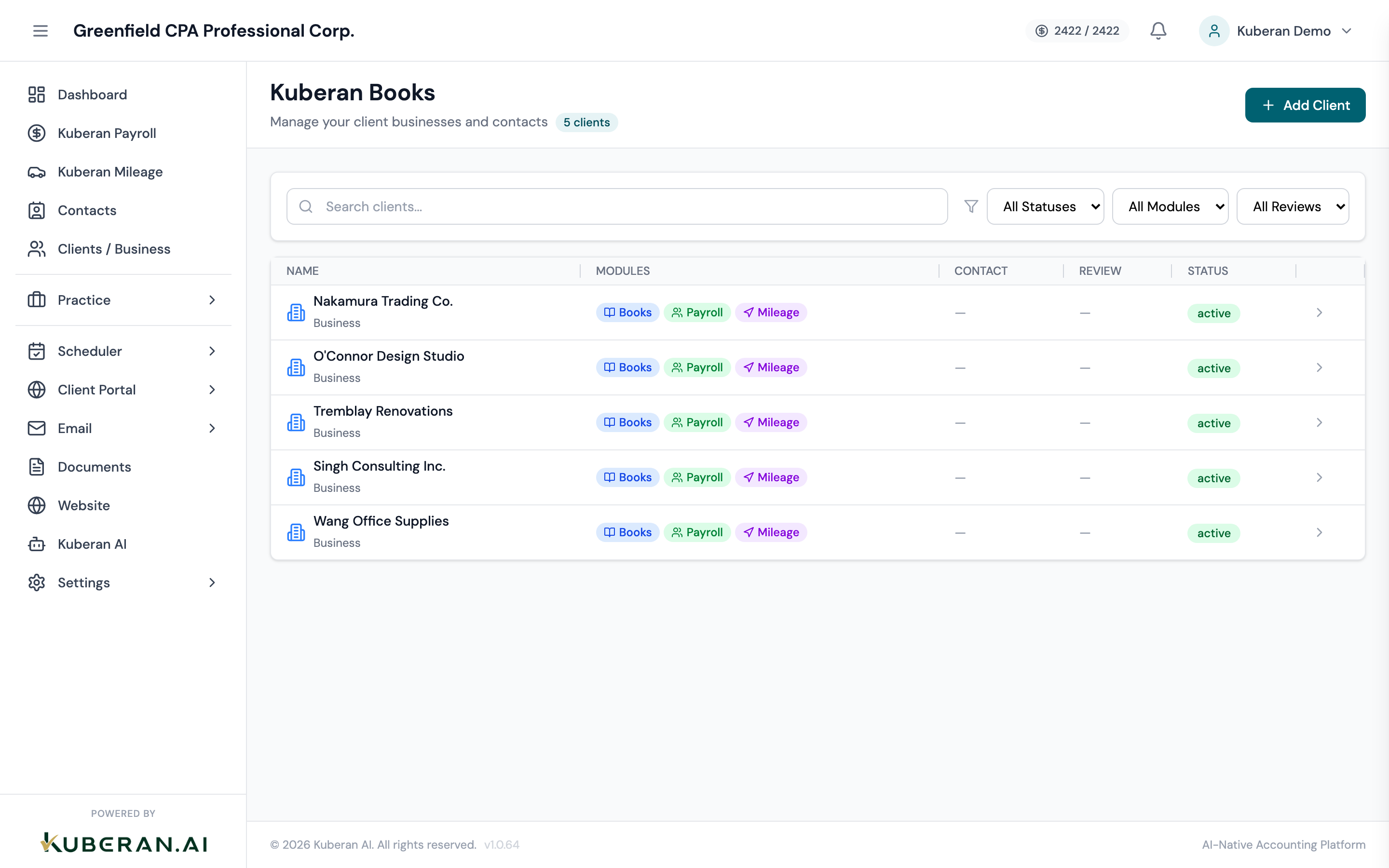
Kuberan Books is the full-featured client accounting ledger built into Kuberan AI. For every client you manage, it provides a complete double-entry bookkeeping system — bank feeds, invoicing, bills, journal entries, GST/HST tracking, and financial reports — all inside the same platform where you manage engagements, payroll, and client communication.
The double-entry foundation
Every financial transaction in Kuberan Books is recorded using double-entry accounting: every debit has a matching credit of equal value. This is not just bookkeeping convention — it is the mechanism that keeps your accounts self-checking at all times.
When you categorise a bank transaction as “Office Supplies Expense,” Kuberan Books records:
- Debit: Office Supplies Expense (increases the expense account)
- Credit: Chequing Account (decreases the bank balance)
You never need to think about which side is the debit and which is the credit for routine transactions — Kuberan handles that automatically. For manual journal entries, the interface enforces that debits equal credits before it allows you to post.
The Trial Balance report (found under Books > Reports) gives you a real-time view of every account’s balance and confirms that total debits equal total credits across the entire ledger.
Cash vs. accrual accounting
When you set up Books for a client, you choose their accounting method. This choice affects how and when transactions are recognised in your reports.
Cash basis
Revenue is recognised when cash is received; expenses are recognised when cash is paid. This is simpler to maintain and is common for sole proprietors and small service businesses. In Kuberan Books, cash-basis reports exclude unpaid invoices and unpaid bills from the P&L.
Accrual basis
Revenue is recognised when earned (when the invoice is issued), regardless of when payment arrives. Expenses are recognised when incurred. This gives a more accurate picture of profitability over a period and is required for corporations above certain revenue thresholds under IFRS and ASPE. Kuberan Books includes outstanding invoices and bills in accrual reports.
Canadian-specific features
Kuberan Books is built for Canadian compliance from the ground up:
GST/HST tracking Every invoice line item and expense can carry a tax code (GST, HST, zero-rated, exempt). The HST/GST report aggregates these automatically into the CRA return lines so you are not tallying numbers by hand at filing time.
Provincial tax codes Kuberan includes tax codes for every province, including QST for Quebec and PST for British Columbia, Manitoba, and Saskatchewan. You configure the client’s province when setting up their books, and the correct default tax code is applied to new transactions.
CRA-aligned chart of accounts The default chart of accounts follows CRA reporting categories, with GIFI codes pre-mapped for T2 / T2125 filing. Account numbers in the 1000–1999 range are assets, 2000–2999 are liabilities, 3000–3999 are equity, 4000–4999 are revenue, and 5000+ are expenses — a structure familiar to any Canadian accountant.
Fiscal year end flexibility Unlike calendar-year-only bookkeeping tools, Kuberan Books supports any month-end as a fiscal year end. Reports and period closing respect the client’s actual fiscal year as registered with CRA.
How Books connects to other modules
Kuberan AI is designed so that data flows between modules rather than being re-entered:
- Payroll → Books: When you run a pay run in Payroll, Kuberan automatically posts the payroll journal entries (wages expense, CPP/EI payable, income tax payable, bank credit) to the client’s Books ledger. You can review these entries under Books > Journal Entries.
- Practice Management → Books: Invoices you create for your own firm’s services live in Practice Management. If you do bookkeeping for a client and bill them through Practice, you do not also need to enter that invoice in the client’s Books.
- Tax reporting → Books: The HST/GST report reads directly from Books transactions. When you file a return from the report, Kuberan posts a filing journal entry that clears the HST Payable and HST Receivable (ITC) balances against the bank.
- Client Portal: Clients can view their invoices, receive statements, and pay online through the portal. Payments are automatically recorded in Books.
Where to go next
- Set up a client’s books — configure accounting method, fiscal year, and chart of accounts
- Connect a bank account — bring in live bank feeds via Plaid
- Categorise transactions — assign transactions to the right accounts
- Run financial reports — generate and export P&L, Balance Sheet, and Trial Balance